
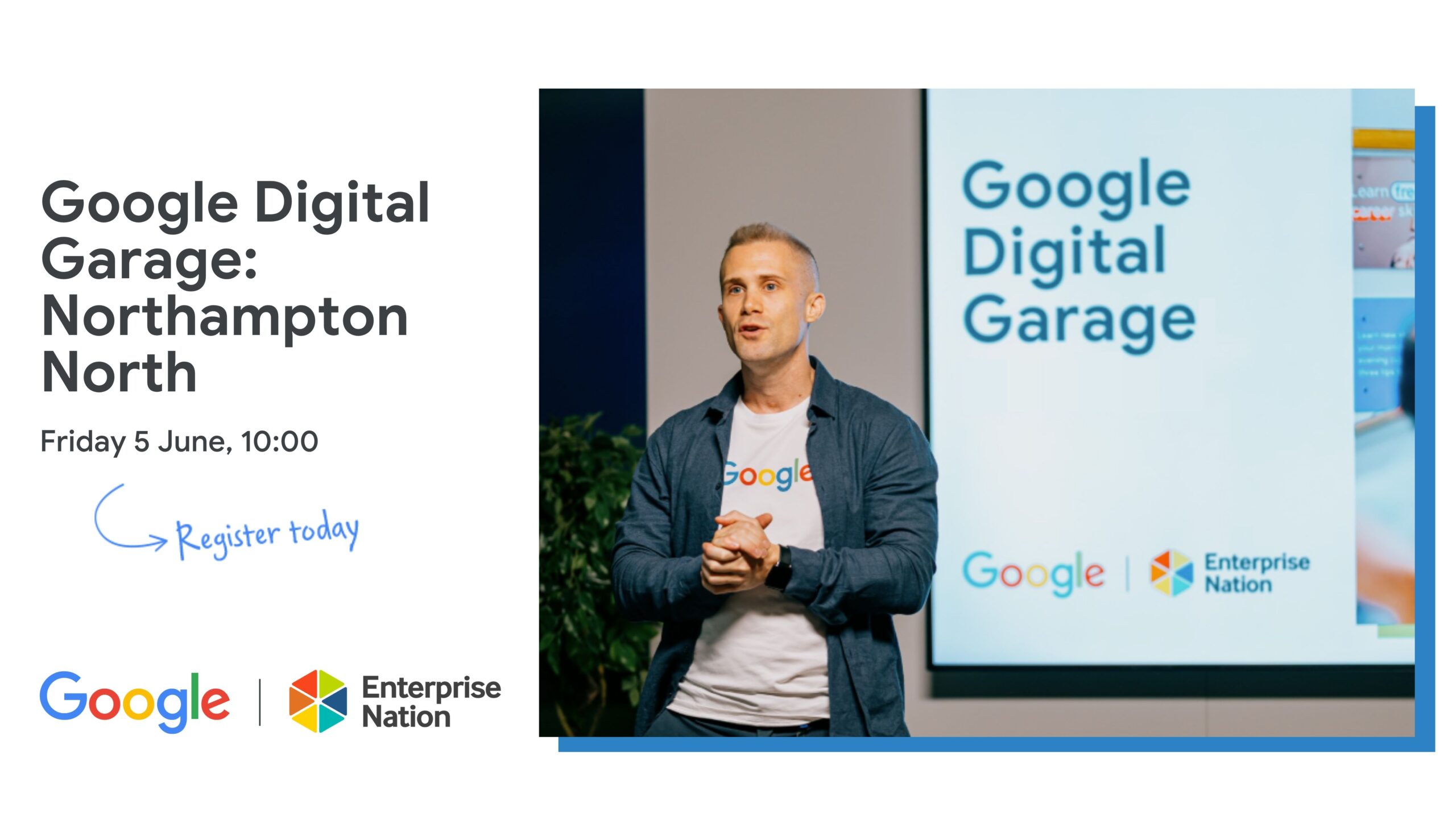
Google Digital Garage and Digital Marketing: A Beginner’s Guide
Digital marketing can help businesses reach new customers, build stronger relationships and measure the impact of their campaigns. But for beginners, the range of channels and tools can feel overwhelming. Google Digital Garage has helped make the subject more accessible through free online learning resources designed to build practical digital skills.
What is Google Digital Garage?
Google Digital Garage is a learning initiative created by Google to help people develop digital skills. Its resources have included courses on digital marketing, data, careers and technology. Course availability and formats can change, so it is worth checking Google’s current learning platforms for the latest options.
One of its best-known offerings has been a beginner-level course covering the fundamentals of digital marketing. It introduces core concepts in straightforward language and is designed for people who are new to the subject, as well as business owners who want to improve their online presence.
What can you learn about digital marketing?
A digital marketing course may cover a range of topics, including:
- Online strategy: setting goals, understanding your audience and choosing suitable channels.
- Search engine optimisation: making website content easier for people to find through search engines.
- Search advertising: understanding how paid search campaigns work and how they can reach people looking for particular products or services.
- Social media: using social platforms to share content, engage with audiences and support business objectives.
- Email marketing: building an opted-in audience and sending useful, relevant communications.
- Analytics: using data to understand how people interact with a website or campaign.
- Content and video: creating and sharing material that informs, entertains or supports customers.
The exact topics depend on the course. Digital platforms and their features change regularly, so learning materials are most useful when combined with current guidance and hands-on practice.
Who is it for?
Google Digital Garage resources are particularly useful for beginners, small business owners, students and people considering a career in digital marketing. They can also help employees broaden their skills or give business owners a clearer understanding of the work involved in promoting a brand online.
You do not usually need specialist knowledge to get started. A willingness to learn, access to the internet and a clear idea of what you hope to achieve are often enough.
Benefits of learning digital marketing online
Online courses offer flexibility: learners can often study at their own pace and revisit topics when needed. Introductory lessons can also provide a useful overview before someone invests in more advanced training or applies the ideas to a live project.
For a business, even a basic understanding of digital marketing can make it easier to set realistic objectives, ask informed questions and assess whether a campaign is delivering value. It can also help identify which channels are most relevant to customers, rather than trying to be everywhere at once.
Is a Google Digital Garage course enough?
A beginner course is a starting point, not a substitute for experience or a complete marketing strategy. Digital marketing involves testing, learning from results and adapting to changes in customer behaviour and technology. A course can introduce the principles, but applying them to a real business takes continued practice.
It is also important to distinguish between a course completion certificate and a professional qualification. Check the course details to understand what any certificate represents, whether it is accredited and how it may be viewed by employers.
How to make the most of a course
- Set a clear goal. Decide whether you want to promote a business, improve your CV or explore a new career.
- Take notes and put ideas into practice. Try applying each concept to a website, campaign or business example.
- Measure what matters. Connect activity to useful outcomes, such as enquiries, sales or sign-ups, rather than focusing only on likes or views.
- Keep learning. Use up-to-date resources to build on the foundations and stay aware of changes in the digital landscape.
Getting started
Google Digital Garage has made digital marketing more approachable by offering learning resources for people with different levels of experience. If you are new to the subject, an introductory course can help you understand the main channels, terminology and principles. For the best results, pair structured learning with practical experience and keep checking that the resources you use reflect current tools and guidance.
7 Essential Tips for Mastering Digital Marketing with Google Garage
- Set clear goals before starting a course.
- Choose lessons that match your business needs.
- Take notes on useful marketing ideas.
- Practise each skill with a small campaign.
- Use analytics to track what works.
- Keep your website mobile-friendly.
- Review and update your strategy regularly.
Set clear goals before starting a course.
Before starting a Google Digital Garage digital marketing course, set clear goals for what you want to learn and achieve. You might want to promote a small business, improve your job prospects or understand how online advertising works. Having a specific aim will help you focus on the most relevant lessons, put new ideas into practice and track your progress.
Choose lessons that match your business needs.
Choose lessons that match your business needs, rather than trying to cover every digital marketing topic at once. If your aim is to attract more local customers, focus on lessons about local search and online visibility; if you want to improve repeat sales, explore email marketing and customer engagement. Starting with the skills most relevant to your goals helps you put what you learn into practice sooner and make better use of your time.
Take notes on useful marketing ideas.
Taking notes on useful marketing ideas can help you turn what you learn through Google Digital Garage into practical action. Record key points, examples and questions as you work through each lesson, then note how an idea might apply to your business or goals. Organising your notes by topic—such as SEO, social media or email marketing—makes them easier to revisit when planning a campaign.
Practise each skill with a small campaign.
Practise each skill by putting it to work in a small, manageable campaign. For example, create a short social media promotion, write a simple email newsletter or improve one page of your website for search. Set a clear goal, decide how you’ll measure success and review the results afterwards. Small experiments help you build confidence, spot what works and learn from mistakes without committing a large budget.
Use analytics to track what works.
Use analytics to track what works. Reviewing website and campaign data can show how people find your business, which content they engage with and what leads to enquiries or sales. Focus on a few relevant measures linked to your goals, such as visits, sign-ups or purchases, and use what you learn to refine your marketing. Check results regularly, but allow enough time and data before deciding whether a change has made a difference.
Keep your website mobile-friendly.
Keep your website mobile-friendly so visitors can use it easily on smartphones and tablets. Make sure pages load quickly, text is readable without zooming, buttons are easy to tap and navigation is simple. Test your site on different screen sizes, and fix any features that are slow or difficult to use. A smooth mobile experience can help people find what they need and encourage them to get in touch or make a purchase.
Review and update your strategy regularly.
Review and update your digital marketing strategy regularly to keep it aligned with your business goals, audience needs and changes in the online landscape. Check your results using relevant measures, such as website visits, enquiries or sales, and identify what is working well and what needs improvement. Use these insights to adjust your content, channels and budget, then keep testing and learning so your strategy stays effective.